แอปหา micro:bit ไม่เจอ ทำอย่างไร?
App can't find micro:bit — what do I do?
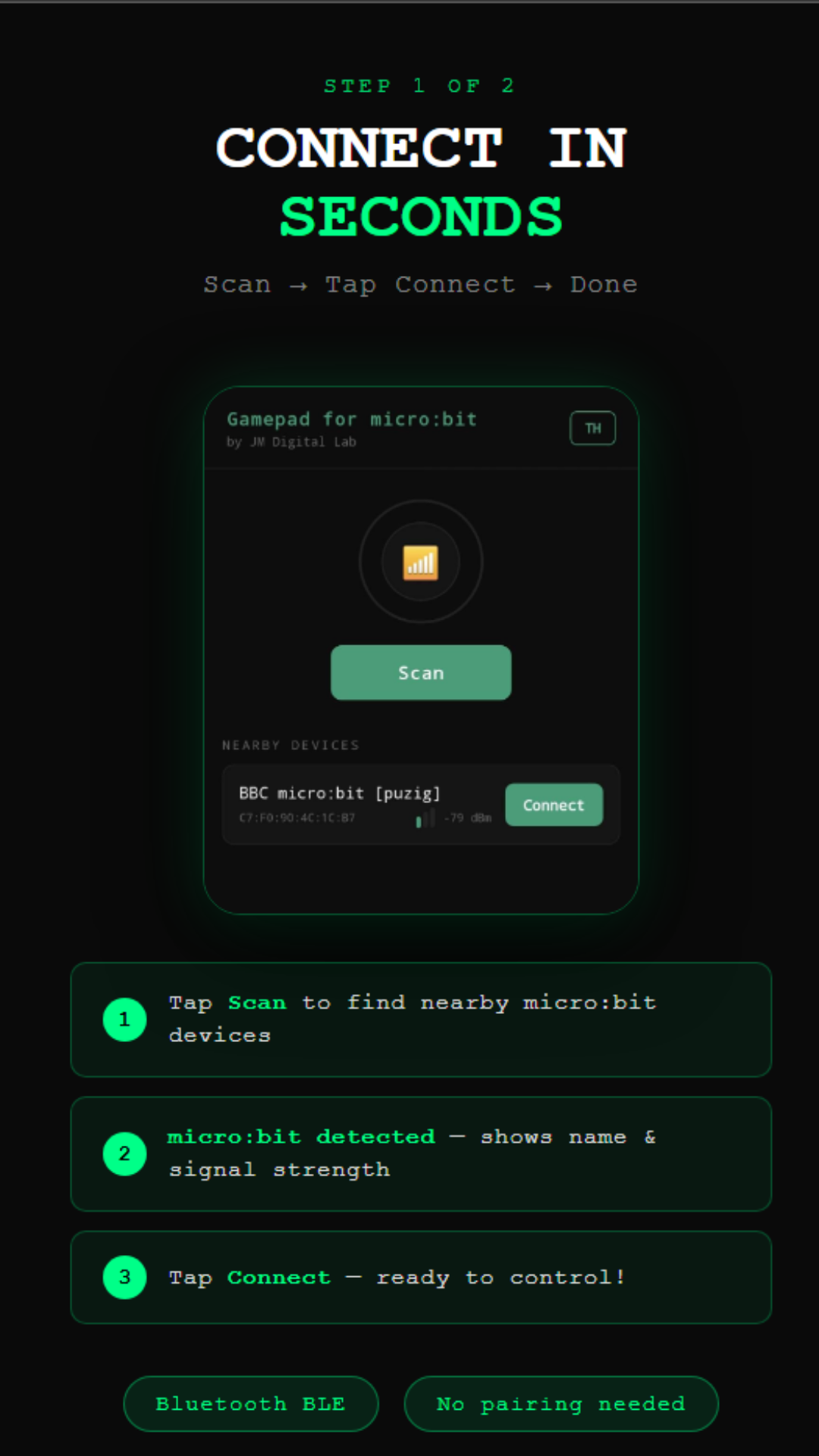
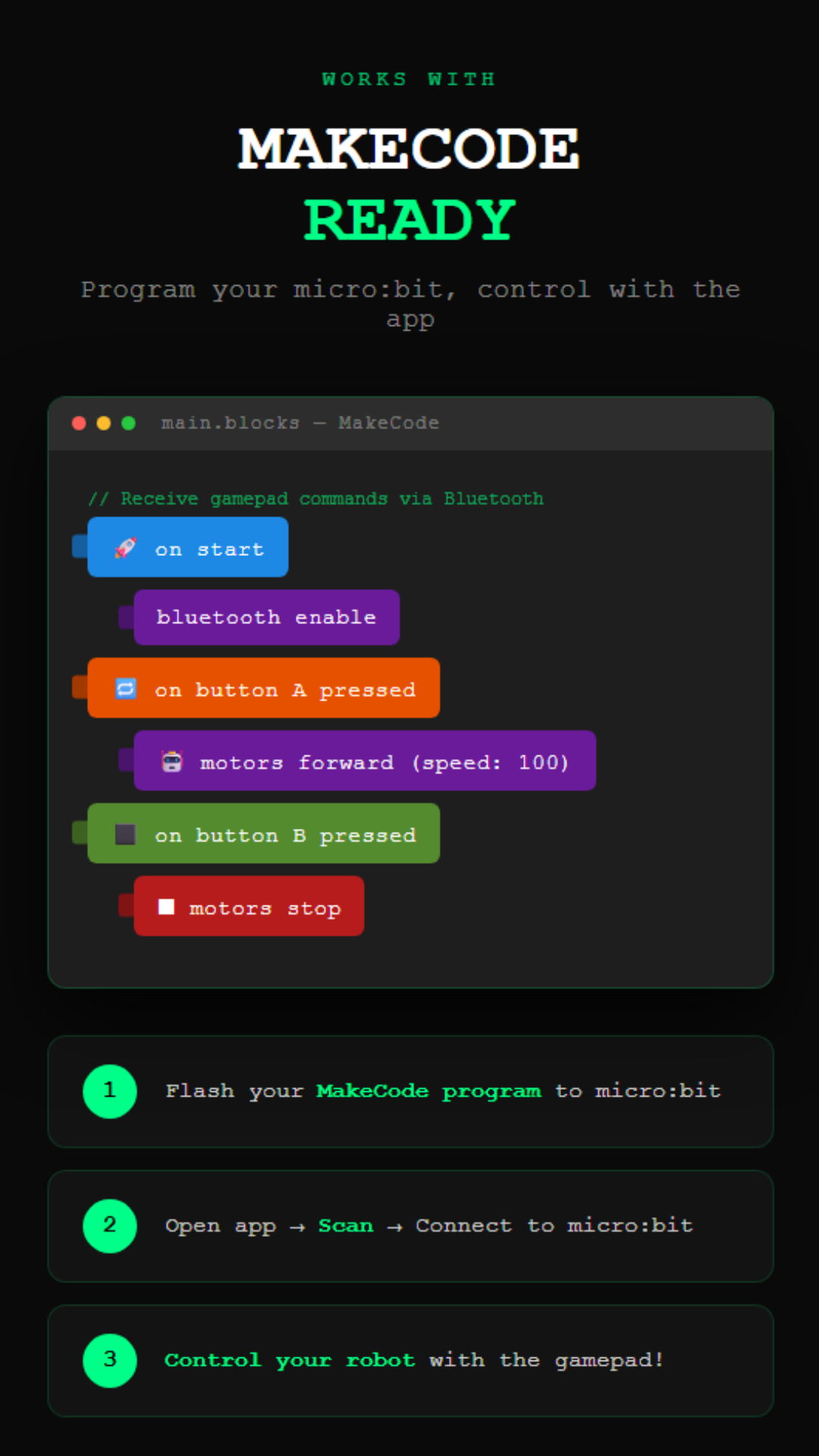
ตรวจสอบว่า micro:bit ถูก flash template แล้ว ถ้าเห็น Ghost icon บน LED matrix แปลว่าพร้อม ตรวจสอบว่าเปิด Bluetooth บนมือถือแล้ว และลอง restart แอปก่อน scan ใหม่
Make sure the micro:bit was flashed with a template. If you see a Ghost icon on the LED matrix, it's ready. Check Bluetooth is on, then restart the app and scan again.
เชื่อมต่อได้แล้วแต่หุ่นยนต์ไม่เคลื่อนที่?
Connected but robot doesn't move?
ตรวจสอบว่าใช้ extension ถูกต้องตาม template (เช่น Maqueen Lite ต้องใช้ dfrobot extension) และ flash template ใหม่อีกครั้ง ตรวจแบตของหุ่นยนต์ด้วย
Check that the correct extension matches the template (e.g. Maqueen Lite needs the dfrobot extension). Re-flash the template and check the robot's battery.
ใช้กับ iPhone ได้มั้ย?
Does it work on iPhone?
แอปนี้รองรับเฉพาะ Android 6.0 ขึ้นไป ยังไม่มีเวอร์ชัน iOS ในตอนนี้
The app is Android-only (6.0+). There is no iOS version at this time.
ใช้กับ micro:bit v1 ได้มั้ย?
Does it work with micro:bit v1?
แอปรองรับ micro:bit v2 เป็นหลัก micro:bit v1 อาจใช้งานได้แต่ BLE อาจไม่เสถียร แนะนำให้ใช้ v2
The app is designed for micro:bit v2. v1 may partially work but BLE stability is not guaranteed. Recommend v2.
จะเพิ่ม command ของตัวเองได้มั้ย?
Can I add my own custom commands?
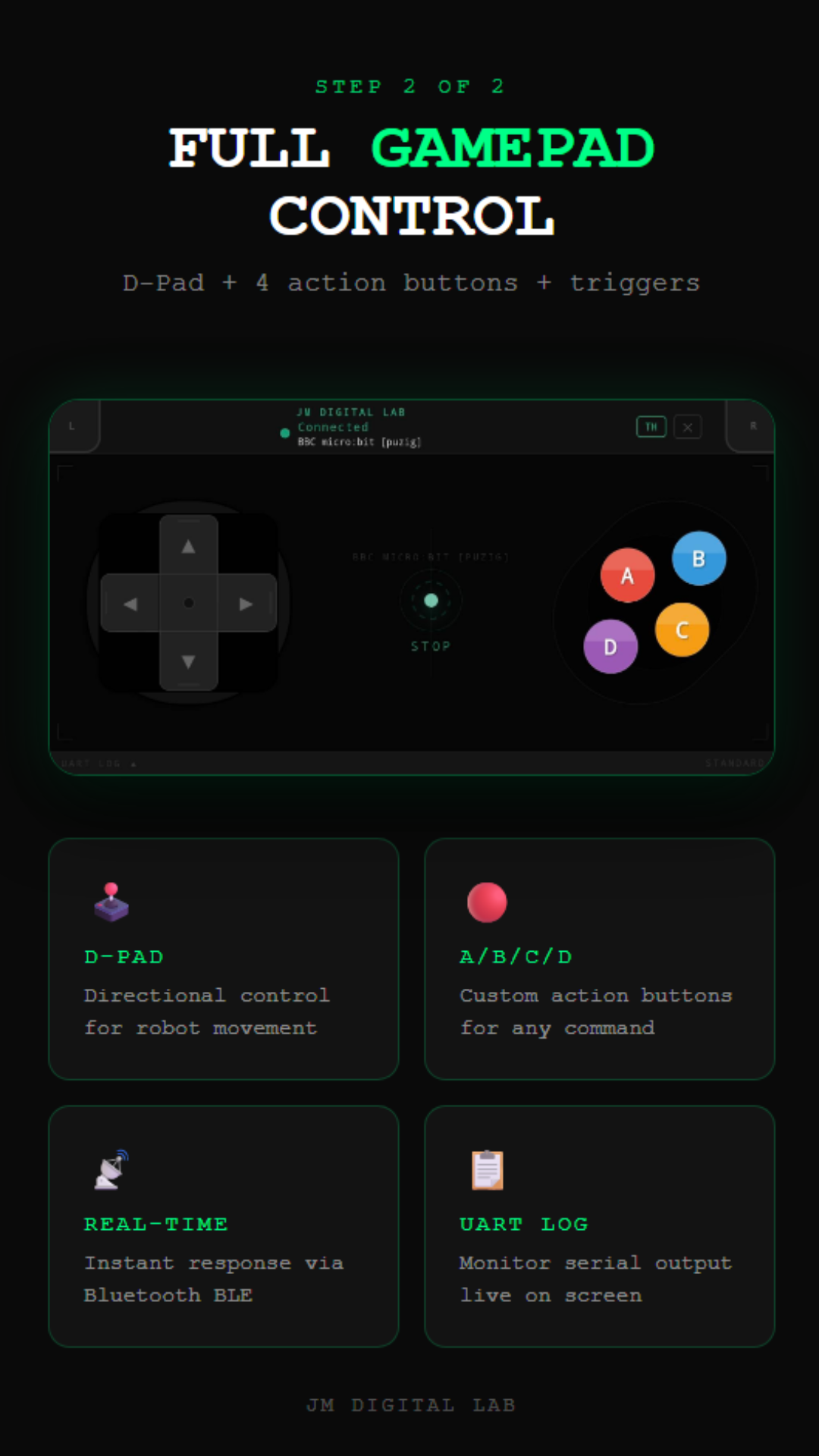
ได้เลย ปุ่ม A, B, C, D ส่ง command "A\n", "B\n", "C\n", "D\n" แก้ไขโค้ดใน template เพื่อทำ action ที่ต้องการได้
Yes! Buttons A, B, C, D send "A\n", "B\n", "C\n", "D\n". Edit the template code to trigger any action you want.